Notifications
Notifications provide timely updates on Cycloid activity, allowing users to stay informed about changes or events.
Watchrules Overview
Watchrules define which Cycloid activity generates notifications. They enable users to customize the scope of monitored activity, from a specific project to an entire organization, ensuring relevant notifications are received.
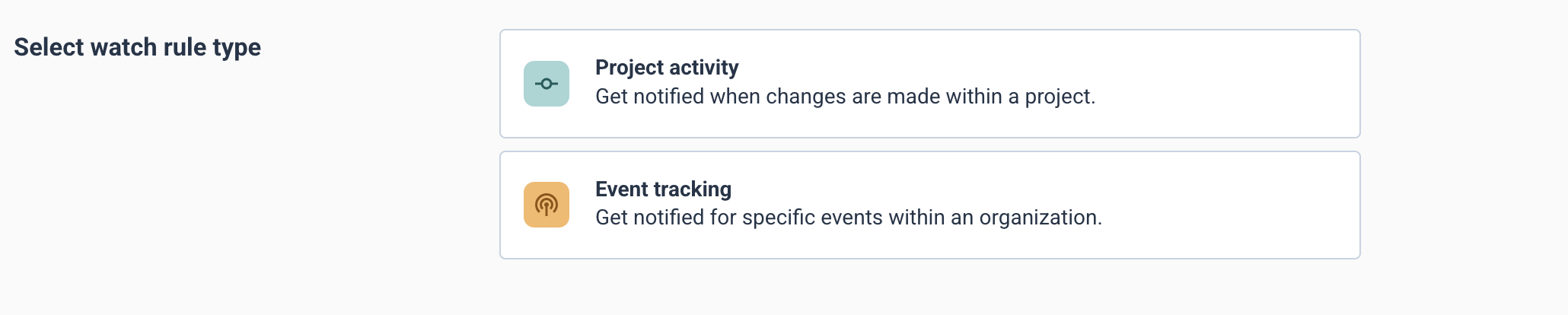
Two types of watchrules are available:
-
Project Activity Track changes within a specific project. This includes, but is not limited to, deployments, resource modifications, or configuration updates.
NoteOnly one project activity watchrule is permitted per project.
-
Event Tracking Monitors broader, organization-wide events. Examples include pipeline events, user activity but also custom events such as monitoring alerts, across the Cycloid environment.
Configuring Notifications
Users can configure notifications through two primary methods: direct project watching or custom watchrule creation.
Watching a Specific Project
To receive notifications for a project, click the "Watch project" button within the project interface.

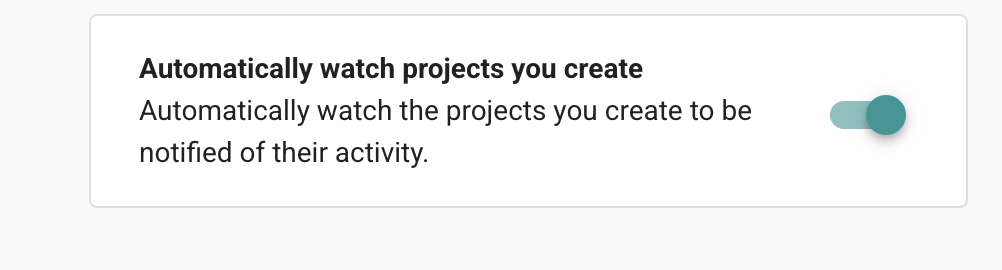
Automatic Watching for New Projects: Upon project creation, Cycloid automatically establishes a "Project Activity" watchrule for the new project by default. This initiates immediate notification delivery for the project's activity. This setting can be managed in Profile > Notifications.
To cease notifications for a project, click the "Unwatch project" button.
Creating and Managing Watchrules
For granular control over notification preferences, watchrules can be created and managed centrally in Profile > Watchrules.
Accessing Notifications
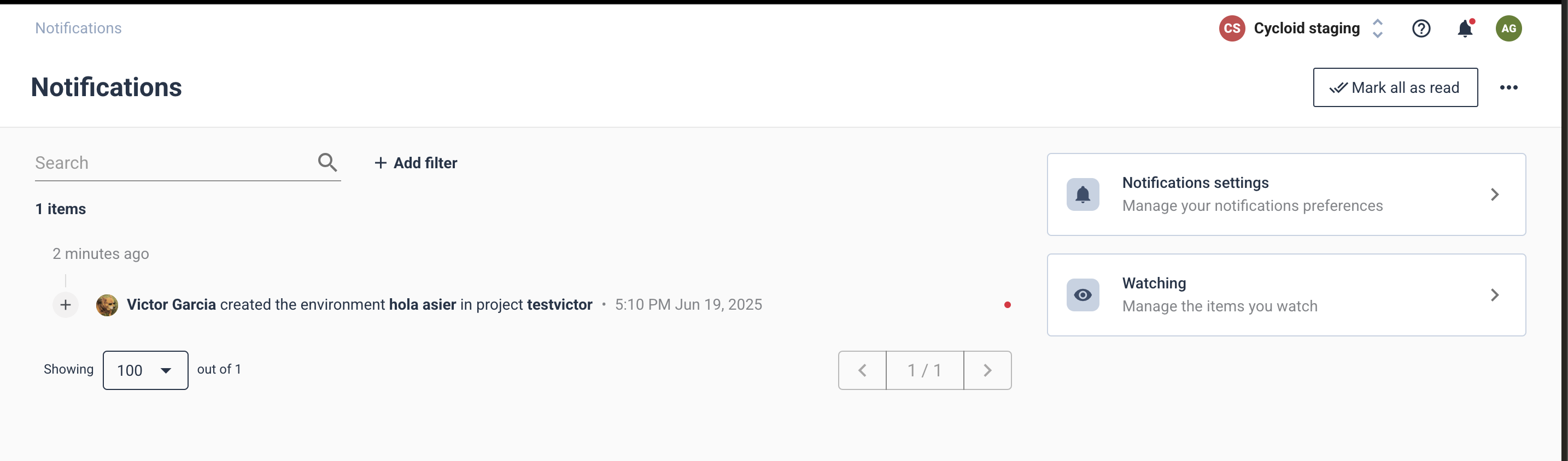
Notifications display activity generated by configured watchrules.
Important Note: Notifications are generated for actions performed by other users. Actions initiated by the user themselves do not generate notifications.
Notifications can be accessed from the following locations:
-
Notifications Page: This page provides a consolidated view of all activity generated by your watchrules.
 tip
tipEmail Summaries: Users can opt to receive daily or weekly email summaries of notification activity. This option is configurable in Profile > Notifications.
-
Within a Specific Watchrule's Details: When viewing an individual watchrule (e.g.,
Profile > Watchrules > [Watchrule Name]), the activity specific to that particular watchrule is displayed.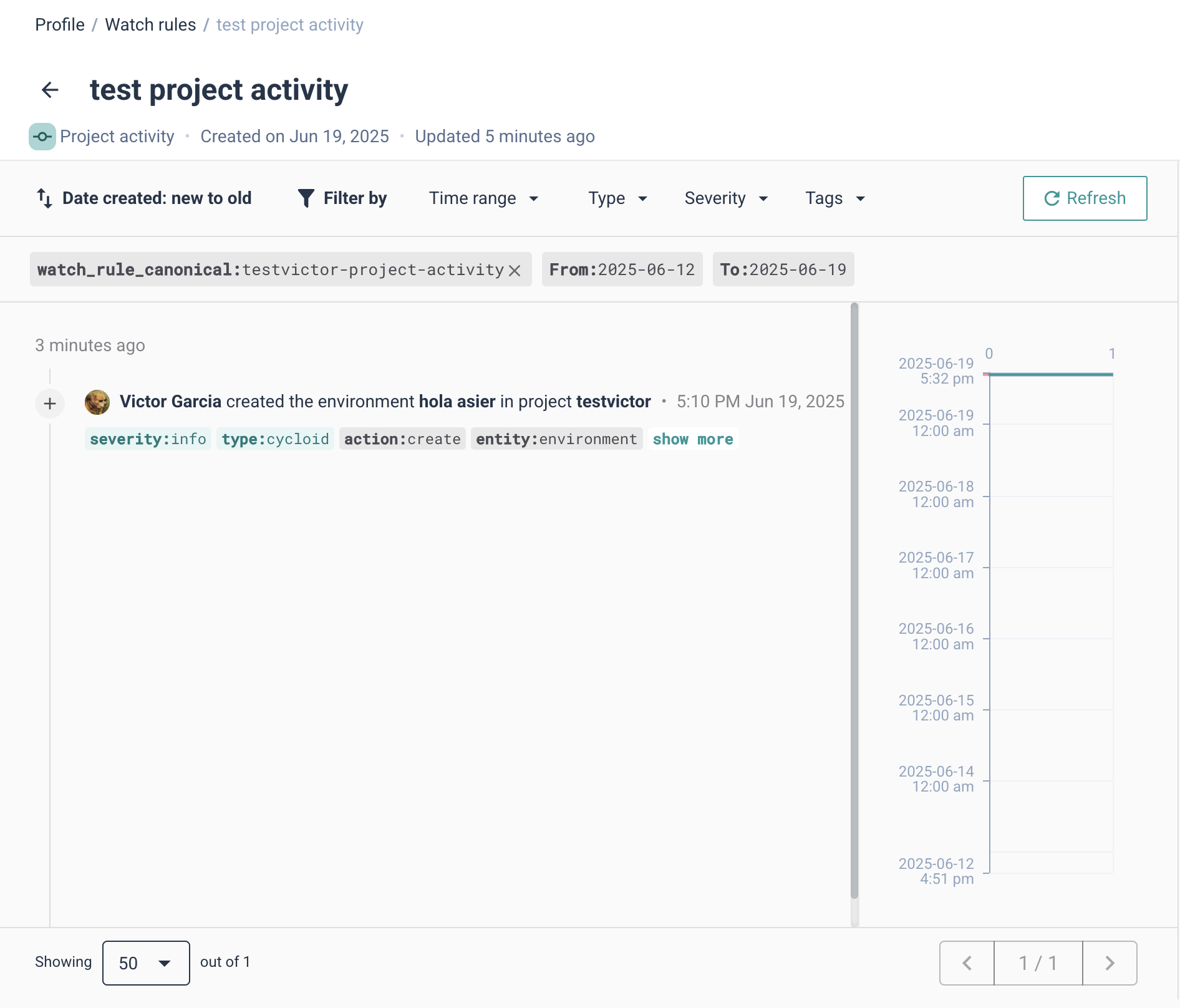
Managing Notification Preferences
All notification-related settings are located within the user's Profile:
- Profile > Notifications: Manages general notification settings, including automatic watching for new projects and email summary preferences.
- Profile > Watchrules: Provides an interface to create, modify, and delete Project Activity and Event Tracking watchrules.